
Original section → resulting record
Invoice and expense processing
Hesap
Extracts fields from invoices and expense attachments. Operators review the source document and extracted data together before exporting approved results.
- Information foundation
- PDFs, images, email attachments and expense records
- Operational outcome
- Reviewable invoice data, JSON and CSV
- Human responsibility
- Finance team review and output approval
Inside the application
Application workflow
Selected use cases, source information and operational outputs.
From document to fields
Files become pages and readable text before extraction and result consolidation.
HesapScenario / 01
Interface conceptSchematic example
Invoice to fields
PDF / OCR
Structured information
Supplier
Date
Amount and tax
Line items
Decision boundary
Finance team review and output approval
- PDFs, images, email attachments and expense records
OutputReviewable invoice data, JSON and CSV
Review the result beside its source
Operators inspect the original page, OCR text and extracted fields within the same job.
HesapScenario / 02
Interface conceptSchematic example
Operator review
Source pageSource-linked
OCR textReview context
Extracted field
Processing history
Source and interpretation remain separate.
Decision boundary
Finance team review and output approval
- PDFs, images, email attachments and expense records
OutputReviewable invoice data, JSON and CSV
Connect to the expense process
ERP expense records and attachments can be processed together.
HesapScenario / 03
Interface conceptSchematic example
Expense data handoff
ERP expense recordSource-linked
Document attachmentReviewed resultField and evidence together.
JSON or CSVSeparate source, shared review.
Decision boundary
Finance team review and output approval
- PDFs, images, email attachments and expense records
OutputReviewable invoice data, JSON and CSV
Application approach
Scope and operating approach.
The scope, operating approach and boundaries of this work.
01From document to fields
Files become pages and readable text before extraction and result consolidation. OCR and model options can be configured for the document type.
02Review the result beside its source
Operators inspect the original page, OCR text and extracted fields within the same job. Output files and processing history help trace where an incorrect field originated.
03Connect to the expense process
ERP expense records and attachments can be processed together. Reviewed data is exported as JSON or CSV; writing to the target ERP is scoped separately during integration.
In everyday work
Reviewing financial fields alongside the document
An extracted amount does not make an expense record ready. Hesap brings the source document, OCR text and extracted fields together so operators can locate the cause of an error.
Invoice and expense processing
Fictional sample dataReviewing financial fields alongside the document
01Document view
Sample source fileDocument view
SupplierSample supplier A
Document date09 Sep 2026
Output formatJSON / CSV
02Invoice fields
Original section → resulting record
Original section → resulting record
03Finance review
Illustrative review stateFinance team review and output approval
Operators compare fields against the source page. OCR reading errors and field assembly errors are treated separately, supported by processing history.
OutputReviewable invoice data, JSON and CSV
Document view
From document to fields
This component shows incoming information together with its identity and provenance. PDFs, images or email attachments become pages and text. Supplier, date, amount, tax and line items are extracted through document-appropriate processing.
Invoice fields
Review the result beside its source
This component explains how records are reviewed rather than displaying a result in isolation. Operators compare fields against the source page. OCR reading errors and field assembly errors are treated separately, supported by processing history.
Finance review
Connect to the expense process
This component distinguishes the user’s decision from the next work record. Reviewed data is exported as JSON or CSV. Working with ERP expense records and attachments can be scoped; automatic ERP writes are a separate integration decision.
The whole operation
Information, decisions and outcomes stay connected.
These distinctions show the information the application receives, where it needs the user and what it leaves for the next operation.
- Starting information
- PDFs, images, email attachments and expense records
- Human decision
- Finance team review and output approval
- Resulting structure
- Reviewable invoice data, JSON and CSV
How do we assess its impact?
These are evaluation dimensions, not measured performance results. Comparisons use the same task types, data scope and human-review conditions.
- Manual field corrections
- Review time
- Export errors
Related work
Related applications.
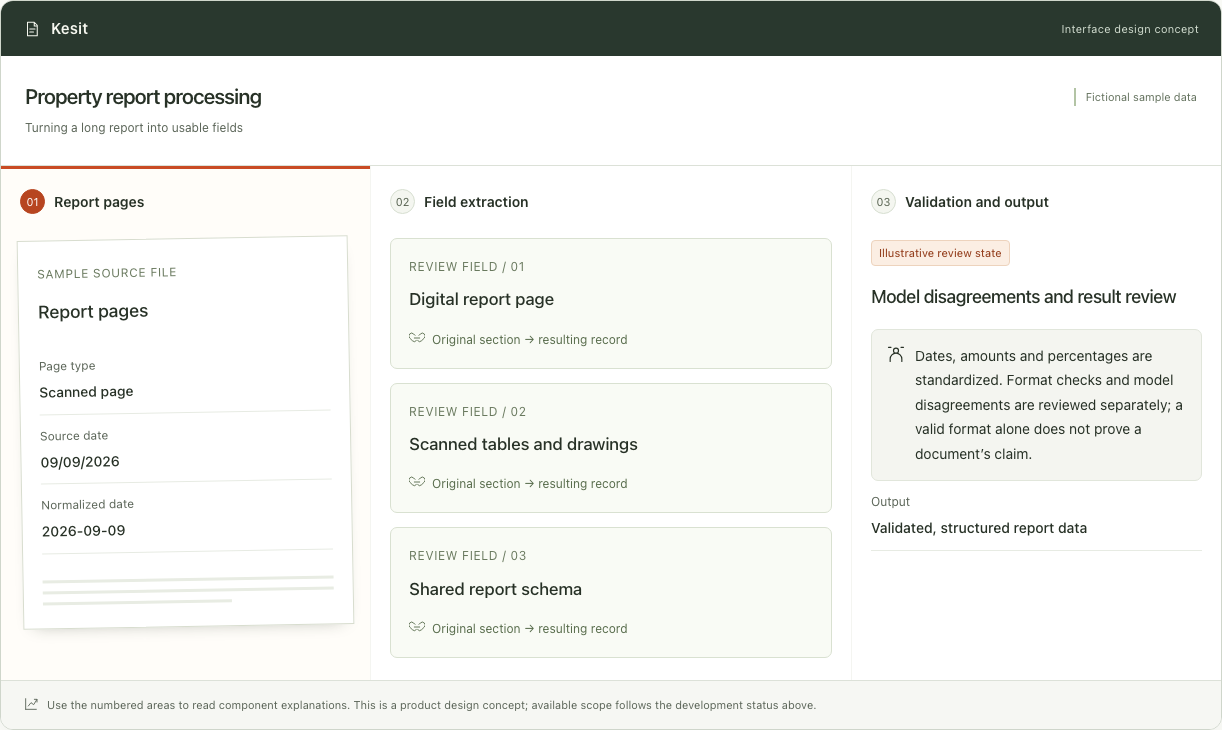 Interface conceptApplication development
Property report processing
Kesit
Extracts structured data from valuation reports using text and visual processing. Normalizes fields and prepares results for review and transfer to enterprise systems.
Explore the application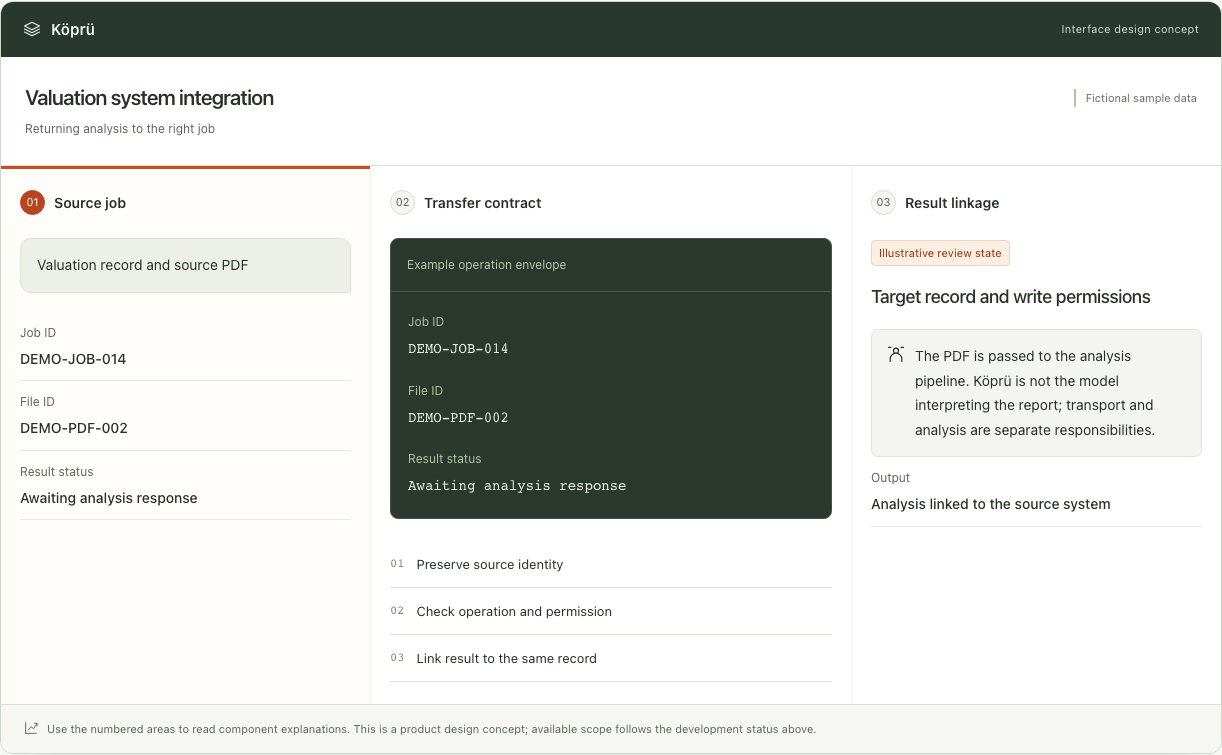 Interface conceptIntegration component
Valuation system integration
Köprü
Connects valuation applications to document analysis. Retrieves the source report and returns structured results, processing status and errors to the matching business record.
Explore the application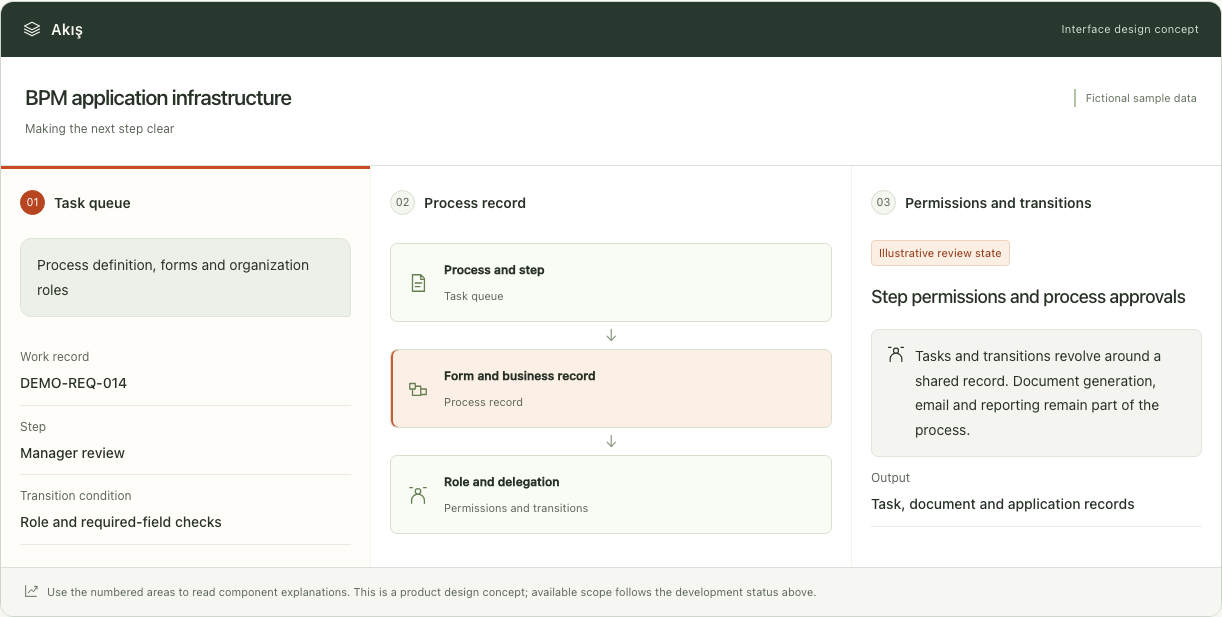 Interface conceptEnterprise infrastructure
BPM application infrastructure
Akış
An enterprise BPM core for process steps, forms, roles, tasks, document generation and reporting. Organization-specific workflows and integrations are configured around business needs.
Explore the applicationWork with us
Discuss your project with us.
Let’s assess your operations, data landscape and priorities together.